
Current install
Checking the COME App You Already Have
Before downloading anything, find out what's on your phone and whether it's working.
See the Installed Version
Settings → Apps → COME. The version is shown on the app info screen on most phones. This is the version you're actually using, whatever any file in Downloads is called.
Old Files in Downloads
Look in your Downloads folder. You may find one or more COME APKs from earlier. They're installers, not the app itself, and you can't tell from the name how old they are.
- Don't reinstall from them.
- Delete them so you don't open one by mistake later.
Is the App Working?
Open COME and check:
- the sign-in screen appears, or you're already signed in;
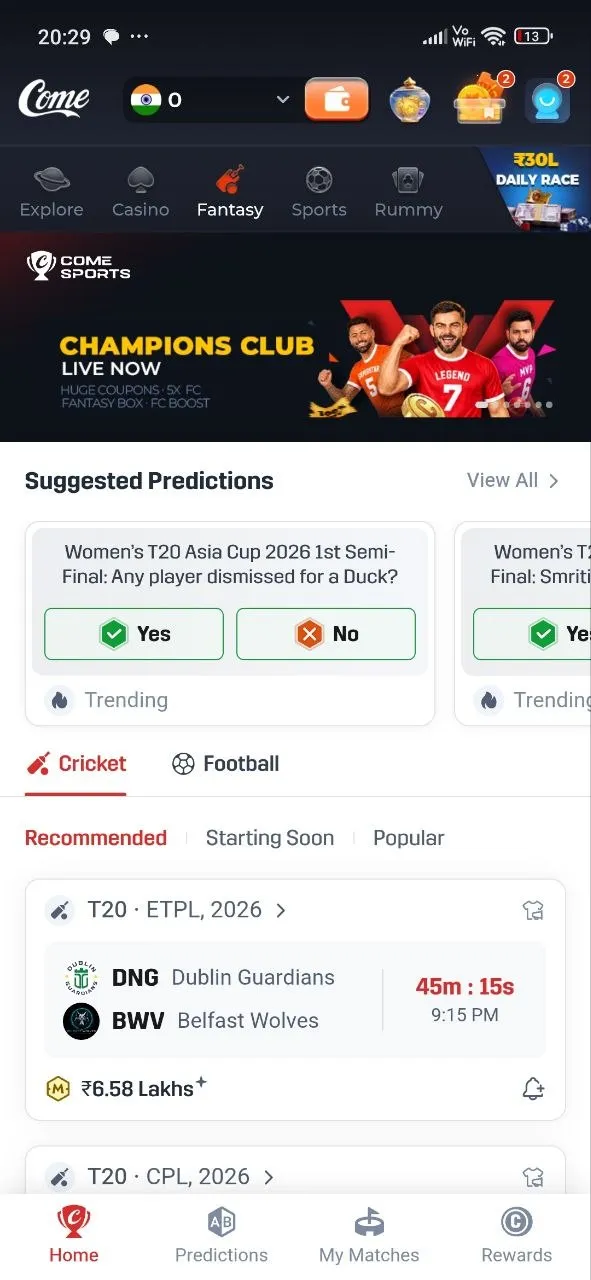
- My Matches opens;
- Fantasy shows match lists.
If all three work, there's nothing to fix.
When a Fresh File Makes Sense
- COME tells you to update.
- The app misbehaves even after clearing its cache (Settings → Apps → COME → Storage).
- You're setting up COME on a new phone.
In any other situation, keep what you have. If you need COME while deciding, open it in the browser.